pomban
A local-first personal productivity platform — projects, sprints, kanban, and focus sessions — that runs entirely in your terminal. Built with Textual.
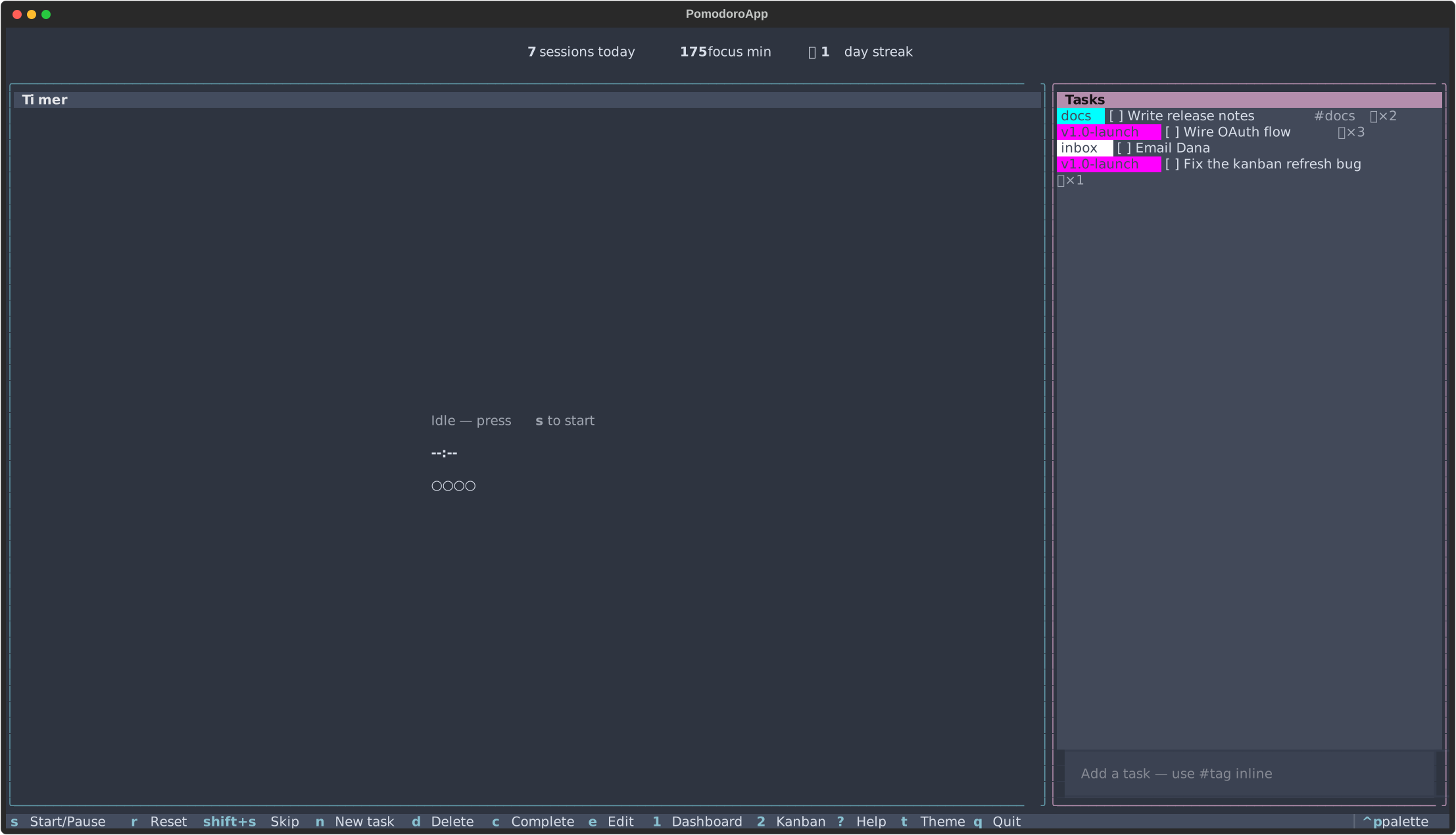
What is pomban?
pomban is a single-binary planning, focus, and review platform built around one SQLite library on your machine. It models work the way you actually do it — projects own sprints, sprints own tasks, tasks accumulate focus sessions — and gives every layer a keyboard-driven screen.
The terminal is the runtime; the platform underneath is the product. Nothing leaves your machine: no account, no telemetry, no cloud.
What you get
- Plan — projects, sprints, kanban with WIP limits, persistent context header, first-run modal that seeds your hierarchy.
- Focus — Pomodoro engine with focus / break / lunch phases,
presets, auto-advance, mid-session blocker capture (
b), session-end notes, working-hours quiet window. - Review — daily Today digest (
7), daily / weekly / monthly stats, per-tag analytics, full session history with notes, CSV / JSON / grouped-markdown exports. - Integrate — phase-lifecycle shell hooks, in-process Python
plugins,
git_syncfor cross-device library sync via your own git remote.
How it compares
- vs CLI timers — full task surface (kanban + projects + sprints
- digest + stats + history), not just a countdown.
- vs phone Pomodoro apps — keyboard-driven, distraction-free, themed, runs in the terminal you already have open.
- vs PM SaaS (Linear/Jira/Notion) — local-first, single-file library you own, no login, no rate limits, no migration anxiety.
- vs a wall clock + sticky notes — every session is logged. Per task, per project, per sprint, per day, per week.
Get going
- Install — pipx, uv tool, or pip-in-venv.
- Quick start — first session in 30 seconds.
- User guide — end-to-end walkthrough.
- Key bindings — full reference.
- Configuration — every
config.tomloption. - Troubleshooting — common fixes.
- Architecture (ADRs) — why the project is shaped this way.
- Roadmap — what's next.